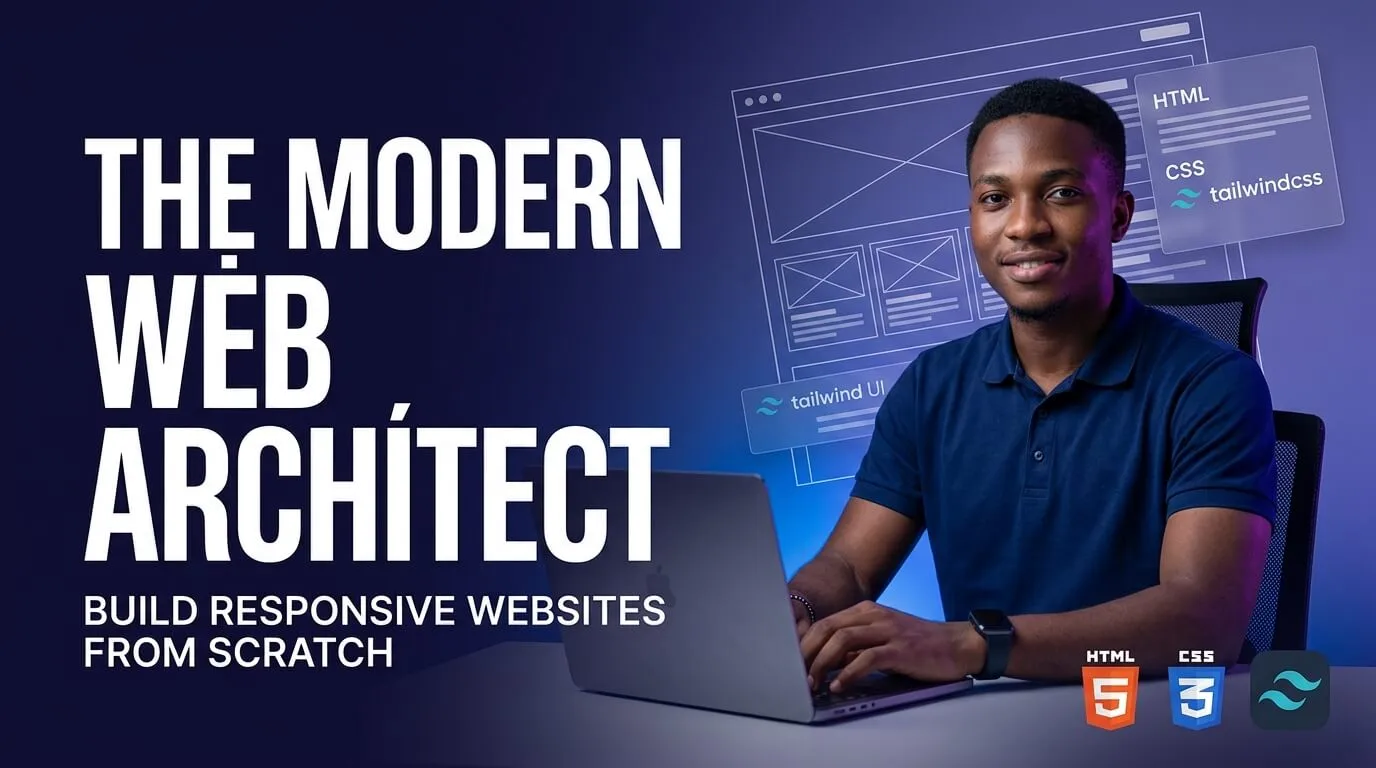
Overview

Are you ready to start your tech journey, build digital products, or launch a remote freelancing career—even if you’ve never written a single line of code in your life?

The Modern Web Architect is designed specifically for beginners who want a clear, practical, and non-boring path into web development. Instead of overwhelming you with dry academic theory and complex math, this course breaks down tech concepts using simple, everyday analogies and hands-on building.

By the end of this course, you won’t just know what code looks like—you will have built and deployed fully functional, modern, mobile-first web pages that look great on everything from small Android phones to large screens.

By

Nasir

Share

The Modern Web Architect

Category:

0
2

Enrollments

Level

Beginner

Time to Complete:

4 hours 0 minute

Lessons:

19

Certificate:

Yes

One-time for 1 person

Free

Overview

Are you ready to start your tech journey, build digital products, or launch a remote freelancing career—even if you’ve never written a single line of code in your life?

The Modern Web Architect is designed specifically for beginners who want a clear, practical, and non-boring path into web development. Instead of overwhelming you with dry academic theory and complex math, this course breaks down tech concepts using simple, everyday analogies and hands-on building.

By the end of this course, you won’t just know what code looks like—you will have built and deployed fully functional, modern, mobile-first web pages that look great on everything from small Android phones to large screens.

What You’ll Learn?

The Core Foundations (HTML5): Understand how web pages are structured using headers, text, images, forms, and tables.
Modern Styling (Tailwind CSS): Skip outdated styling methods and use modern utility classes to apply colors, layouts, and polished visual effects fast.
Mobile-First Layouts: Master Flexbox to build layouts that adapt cleanly to mobile screens and laptops alike.
Real-World Project Building: Put everything into practice by creating a digital price menu and a sleek e-commerce landing page.
Developer Workflow: Set up VS Code, use Live Server, and learn how professional developers write and view code in real time.

Requirements

A computer (laptop or desktop) running Windows, macOS, or Linux.
An internet connection to watch lessons and download free software.
Zero prior coding experience required! We start at absolute step 1.

Syllabus Overview

19

Lessons

11

Quizzes

2

Tasks

0

Resources

The Digital Blueprint

The Visual Stylist

Material Includes

Starter Code & Starter Files (.zip)
Cheatsheets & Visual PDF Guides
HTML5 Cheat Sheet (PDF)
Tailwind CSS Utility Cards
VS Code Setup Cheat Sheet
Capstone Project Wireframes & Assets

Instructor(s)

Learner Reviews

0 review
0

(Average)

5
0 review
4
0 review
3
0 review
2
0 review
1
0 review

Explore More Courses

On Sale

Cloud Fundamentals for Enterprise Teams

0

By

Nasir

Cloud + IT Ops

Beginner
₦200,000.00₦250,000.00

On Sale

Leading High-Performing Teams

0

By

Nasir

Leadership & Management

Intermediate
₦269,000.00₦300,000.00

On Sale

Modern Web Development with React

0

By

Nasir

Software Development

Intermediate
Free

Want to receive push notifications for all major on-site activities?

✕